
Intelligent Timetable
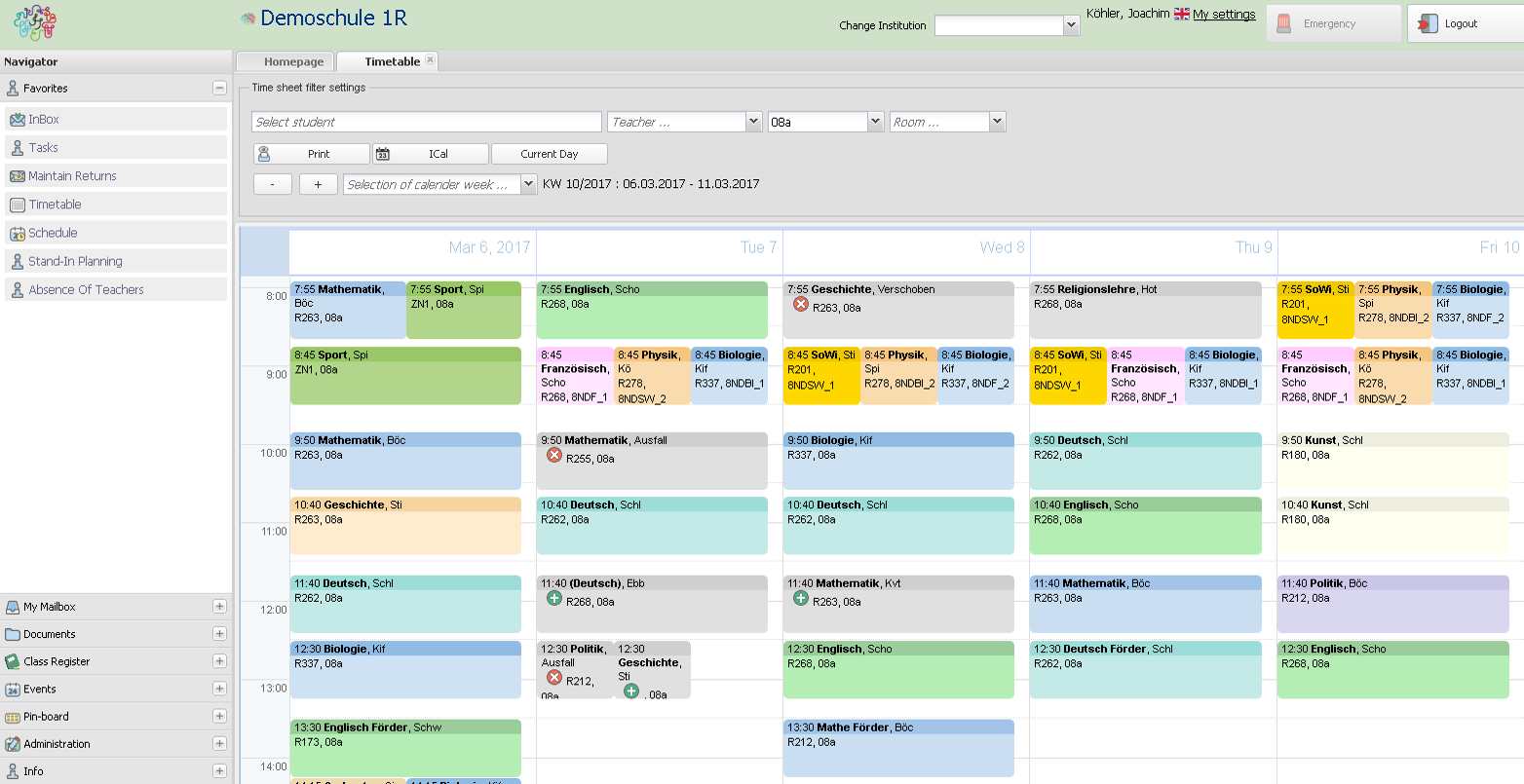
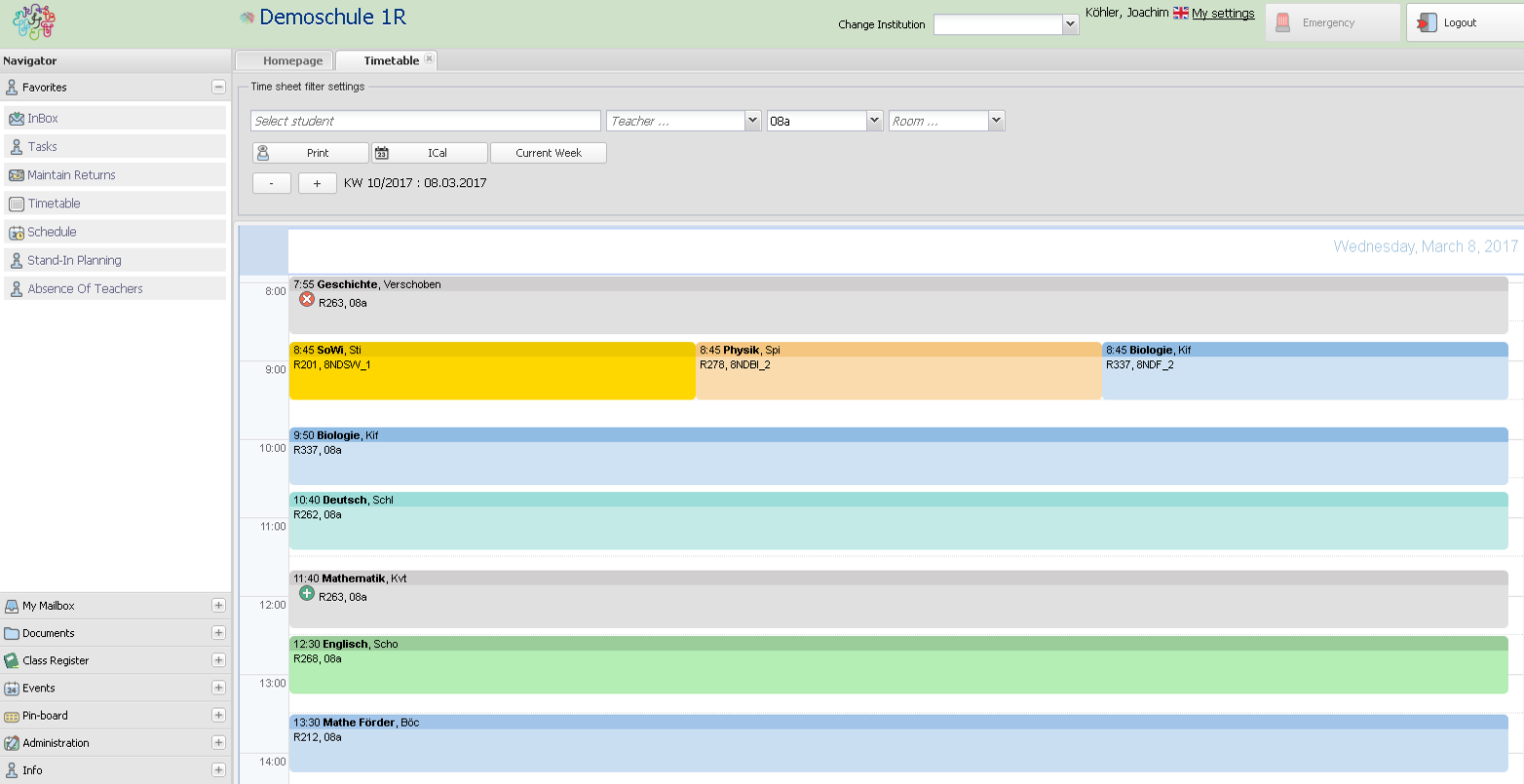
All people think that a timetable, once published to the student, is fixed. But there are always changes during a day, as teachers are reported absent and cannot give classes. So another teacher is called for substitution, or in some cases classes will be cancelled for a lesson.
In combination with the substitution planning
BRAINY's Substitution Module BSM does not only document the absent times of teachers for statistic purposes, the affected lessons or subjects can be addressed and a new teacher or another subject can be selected or can be cancelled. Students as well as parents can see the change in their timetable in-the-second.
In combination with the examination planning
When a teacher sets a date for a test or examination, this test/examination is also shown in the timetable of the affected class(es) and students. The wizard checks as if there is already a examination on that day for any affected student. It can be configured whether more than one examination per day is allowed. The wizard also takes dates from the school calendar into consideration.
In combination with the school calendar
Any date that affects the timetable, e.g. planned class/course tours or other leave times like public or school-set leave times are displayed in the timetables. And more: if a class goes on tour with their class teacher, the other teachers are mentioned to be "free" for substitution planning. This is really an intelligent workflow.
Remark: as BRAINY will work in schools all over the world, some features may not be needed in all countries.
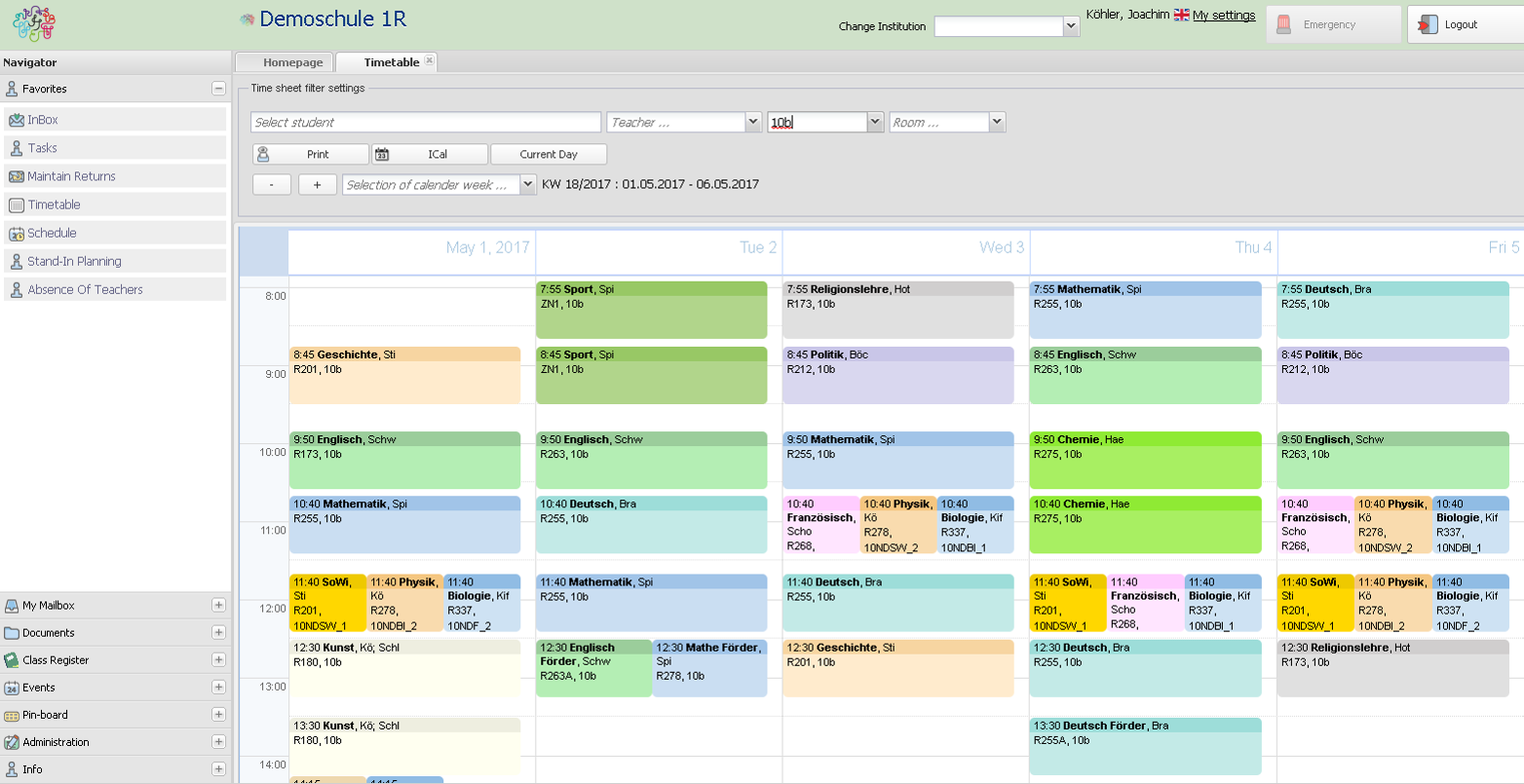
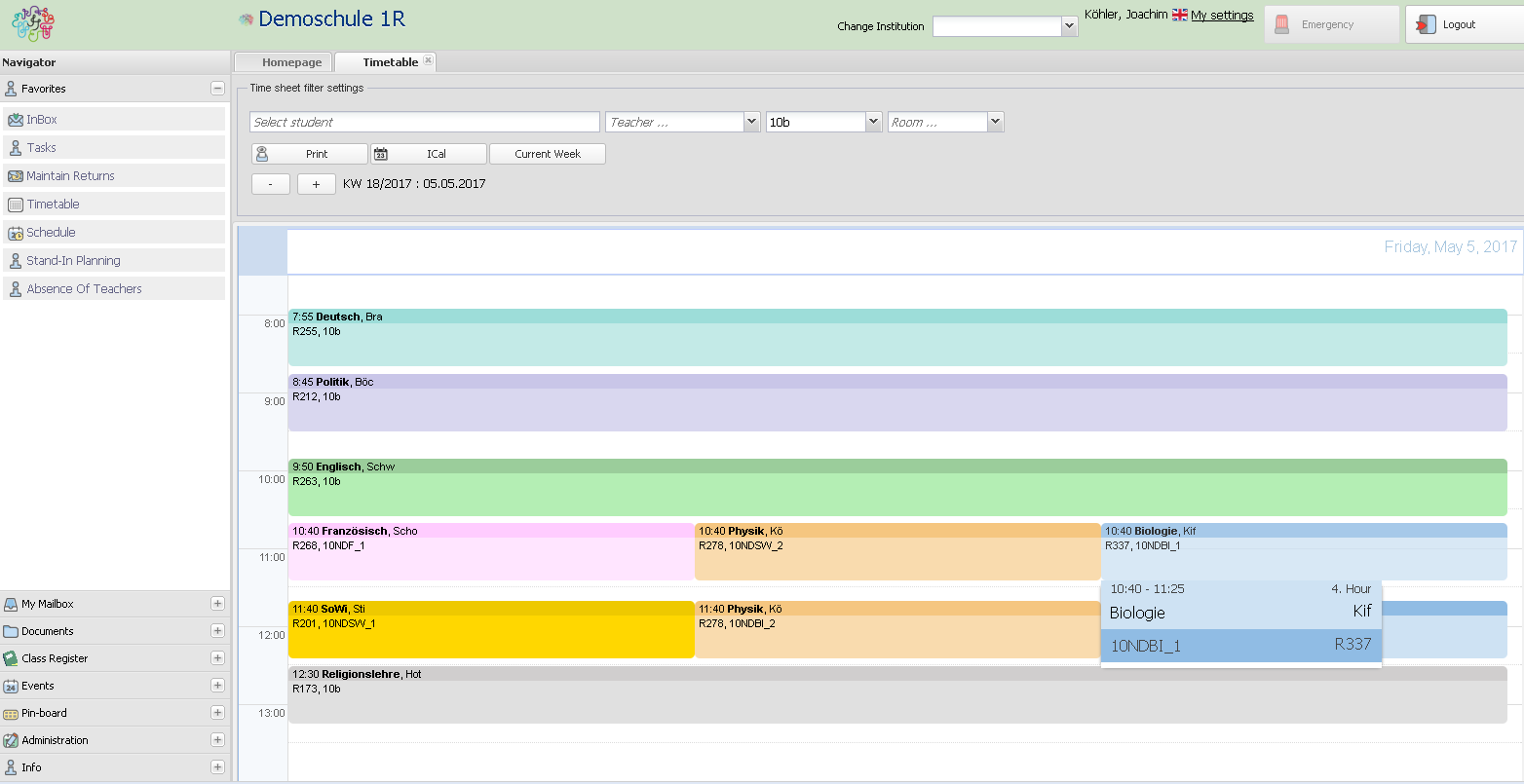
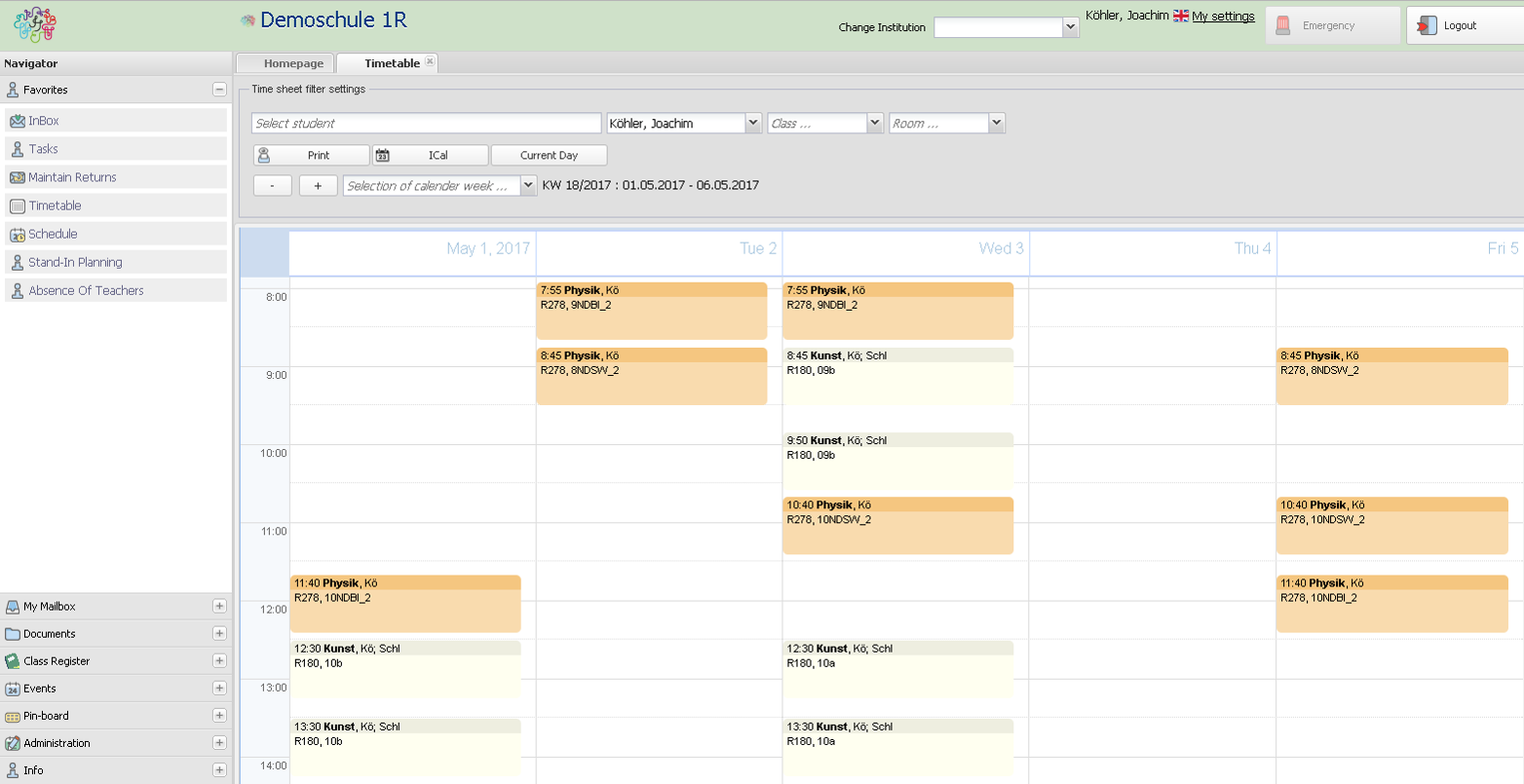
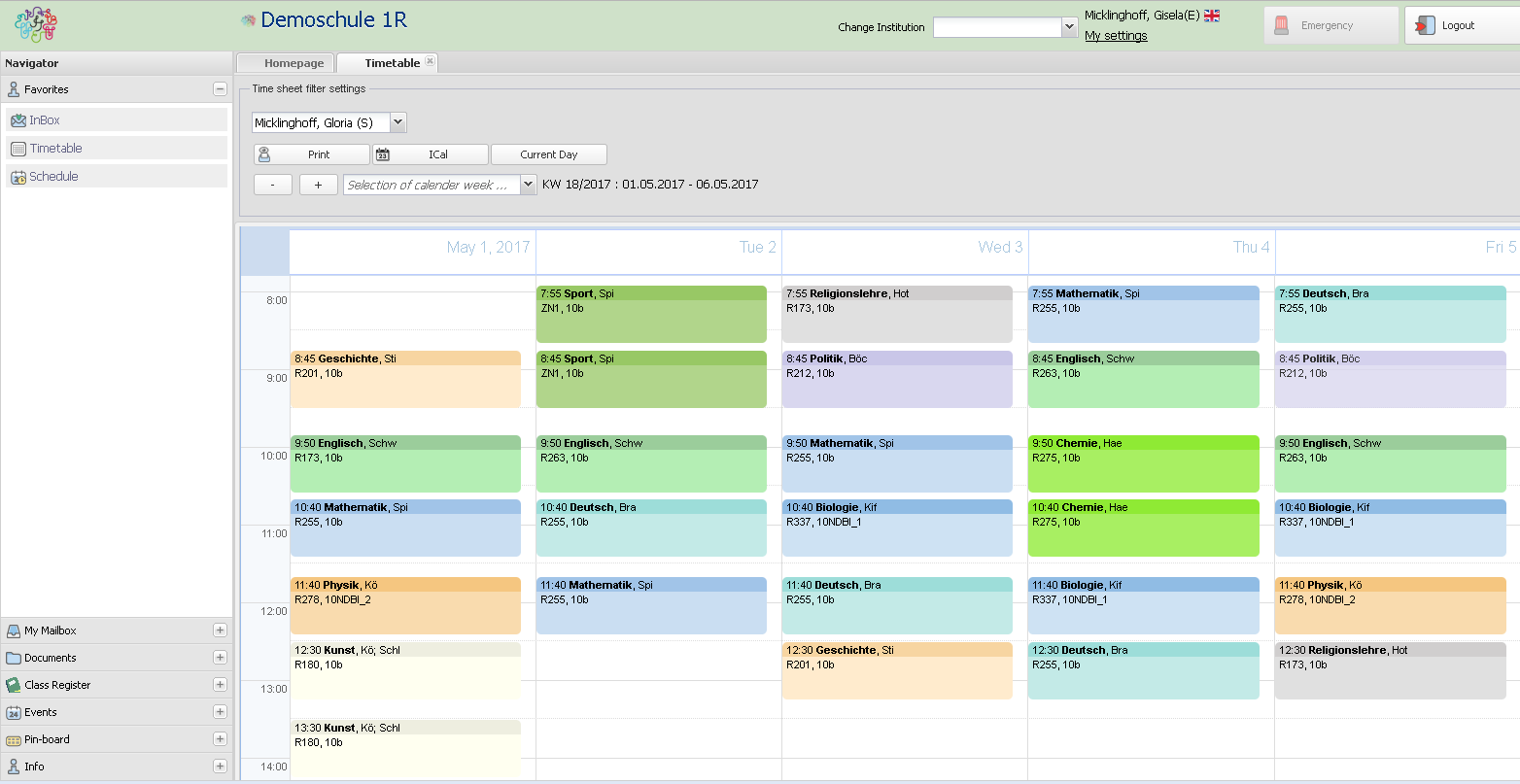
There are several views for timetables in BRAINY.
- Principles and teachers can call any timetable view for classes, colleagues and students
- Students can only see their individual timetable
- Custodians can only select the individual timetable of their children
- Views are available for either an entire week or a single day
Connected Modules
- Address management (mandatory)
- Examination Module/Wizard
- Intelligent Timetable
- School Calendar
- Substitution Module